

Guided Tour · Part 2 of 5
Resolve Overview → Connect an Integration → Team Knowledge → Auto Investigations → Tuning Accuracy
Prerequisites
Before you begin, ensure you have:- A ResolveAI account (Sign up here)
- Access credentials for your primary tools (Grafana, Datadog, AWS, etc.)
- Permissions to create API tokens or service accounts
Step 1: Name Your Organization
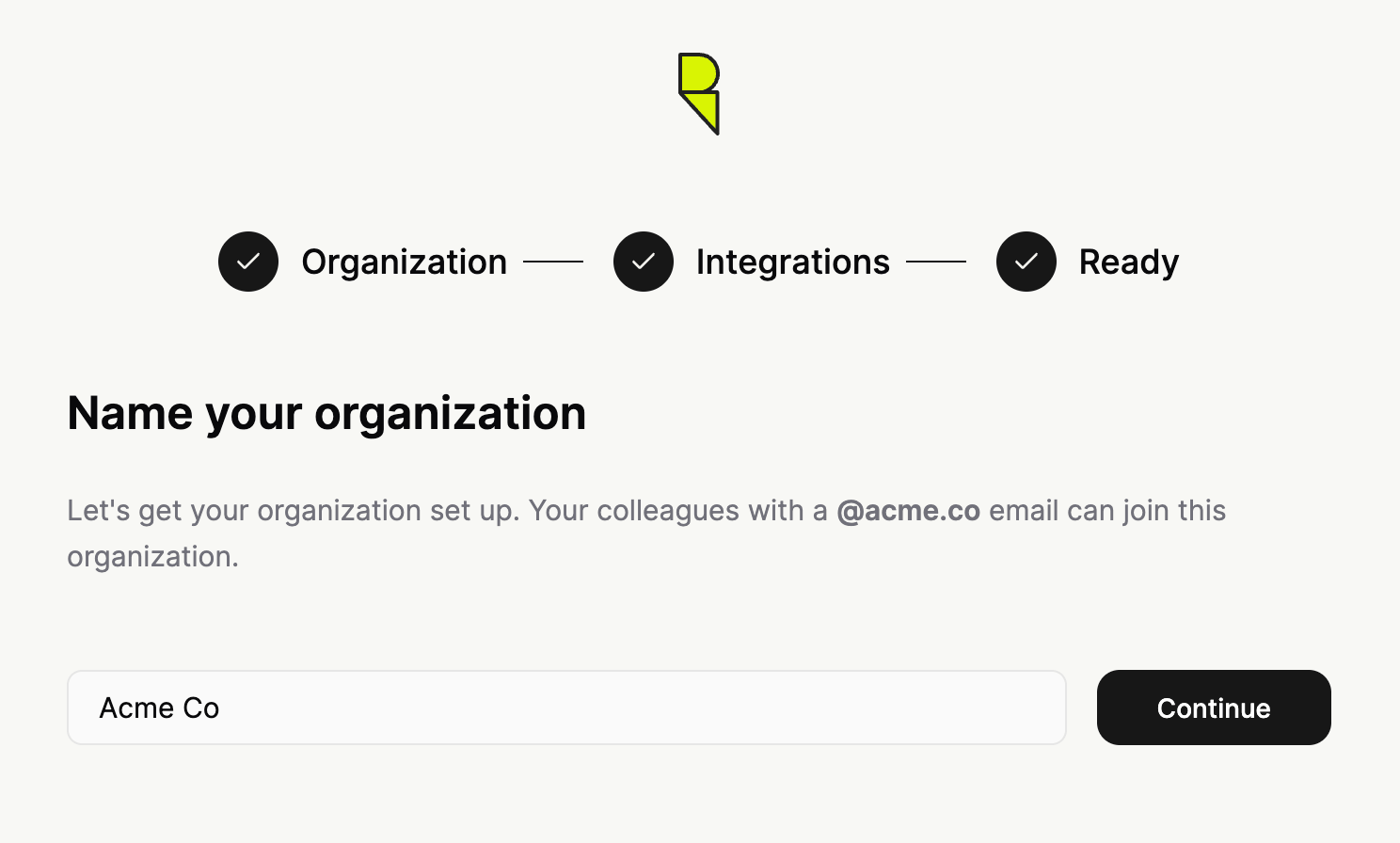
After logging in and selecting Set up ResolveAI for your environment, you’ll name your organization.Colleagues with the same email domain can automatically join this organization once it’s created.
Step 2: Connect integrations
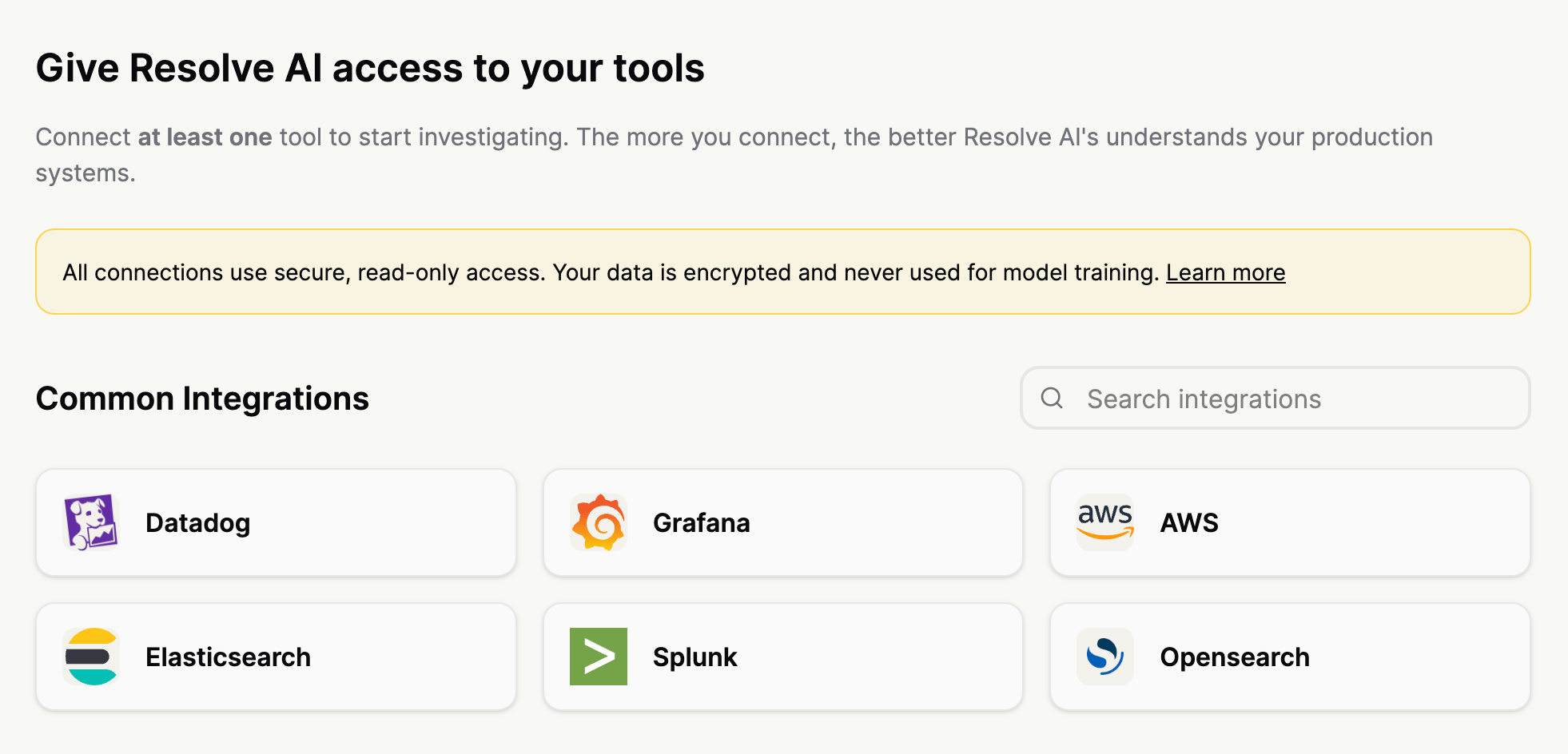
Give Resolve access to your stack. The more data sources you connect, the more powerful Resolve investigations and cross-stack correlations become. We recommend starting with these types of integrations:- Observability: Logs, metrics, dashboards, traces, alerts
- Code: Git integration
- Infrastructure: AWS, GCP, Kubernetes
- Knowledge: Confluence, Notion
- Chat: Slack, MS Teams
Step 3: Configure Your Integration
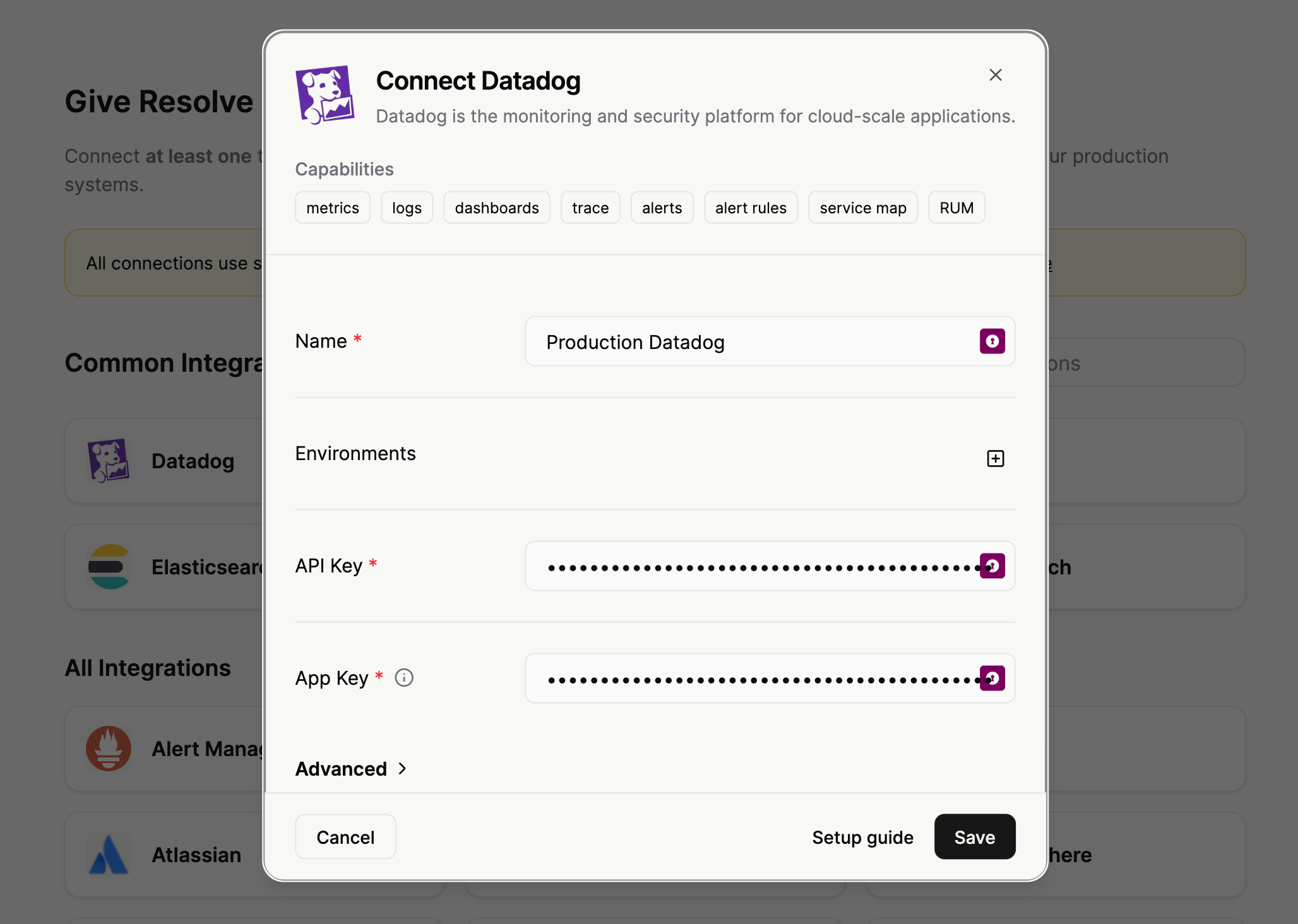
Each integration follows a simple, guided flow. Let’s look at Grafana as an example:- Name: (e.g.,
prod-grafana) — Helps distinguish between multiple instances. - Connection Details: Enter your instance URL and relevant credentials (API token or OAuth).
Need deep technical details? Check our Integration Reference for step-by-step permissions and troubleshooting for every tool.
Step 4: Start Investigating
Once your integrations show a green checkmark, you’re ready. Click Ask your first question to enter the main interface with your live data.Recommended First Steps
Try these prompts to see ResolveAI in action with your systems:“What integrations are configured?”“Show me the most important services and their dependencies”“What were the most recent deployments?”
Pro Tips for Success
Combine for Context: Connect at least two integrations (e.g., Code + Telemetry) to unlock the strongest insights, such as linking performance spikes directly to recent commits.
- Descriptive Naming: Clear names help when you’re managing multiple clusters or cloud accounts.
- Incremental Setup: You don’t need everything at once. Start with your primary logging and monitoring tools, then expand.
Troubleshooting & Support
- Connection Failures: Double-check API permissions and URL accessibility.
- Missing Tools: Scroll through the full list or reach out to us if you need a custom integration.