Guided Tour
Follow the five-part Guided Tour — a walkthrough from first look to a tuned, automated setup:- Resolve Overview: the main ways to interact with Resolve.
- Connect an Integration: give Resolve access to your logs, metrics, code, and infrastructure.
- Team Knowledge: teach Resolve about your systems so investigations get faster and more accurate.
- Auto Investigations: have Resolve triage and investigate alerts automatically.
- Tuning Accuracy: the feedback loop that steadily improves results.
Use Cases
- Debug with chat: Ask Resolve questions to interactively investigate issues, pulling evidence from observability, code, and infrastructure. Pair with Resolve to debug problems.
- Alert triage: Enable auto-investigations to have Resolve triage new alerts as they come in, gather evidence, and present a summary. Give your on-call a head start on investigations.
- Incident remediation: Bring Resolve into your incident channels to drive collaborative remediation. Get to root cause faster and reduce the number of engineers pulled into war rooms.
- Accelerate onboarding: Let new engineers ask questions directly about your production environment. Resolve draws on your team’s accumulated knowledge to help them ramp up faster.
- Code with production context: Get implementation guidance and insights on common issues and failure modes with the full context of your production system.
Walkthrough
Here is a visual overview of the process for you to sign up, try the playground, and set up your own organization.-
Sign up at https://app0.resolve.ai
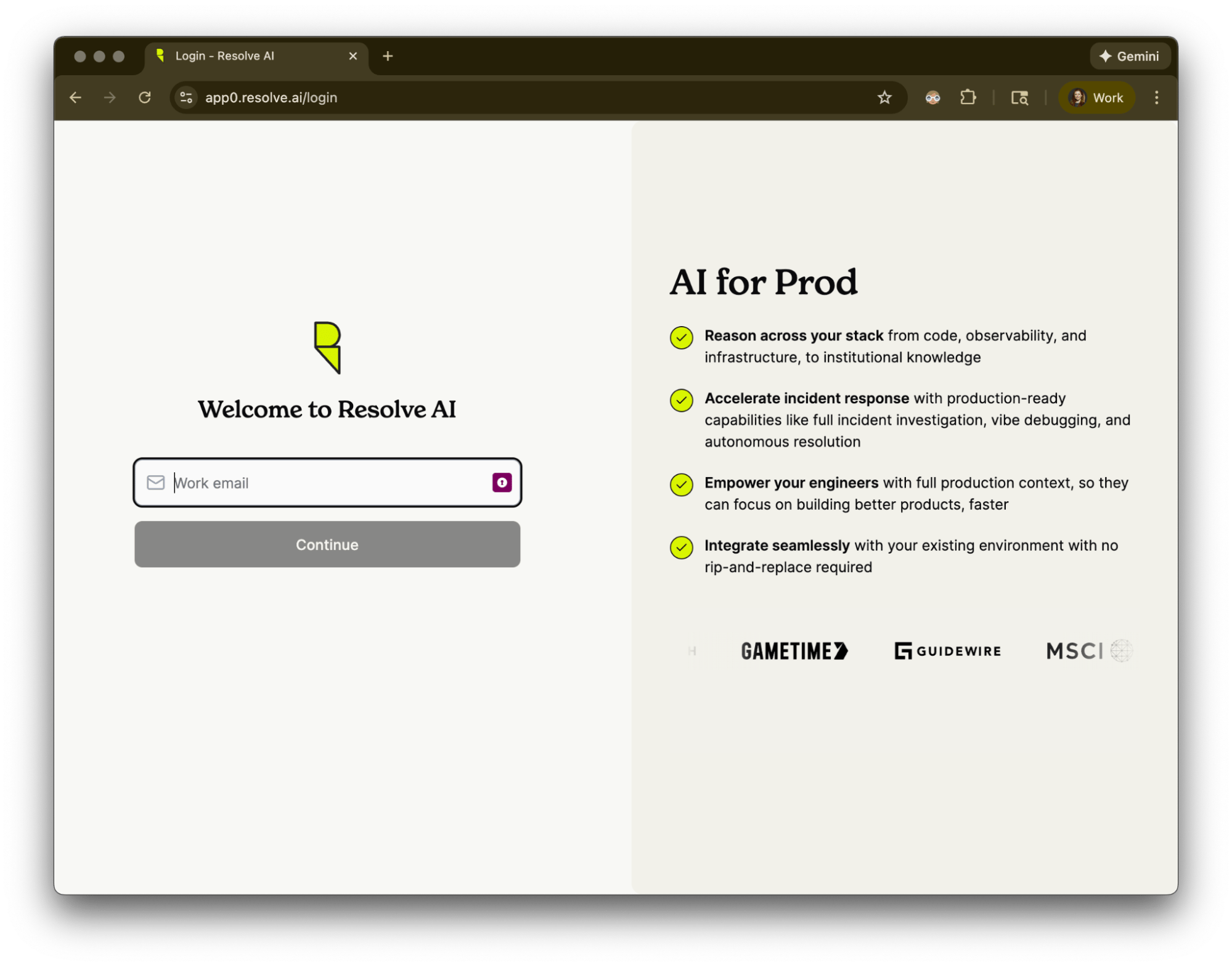
-
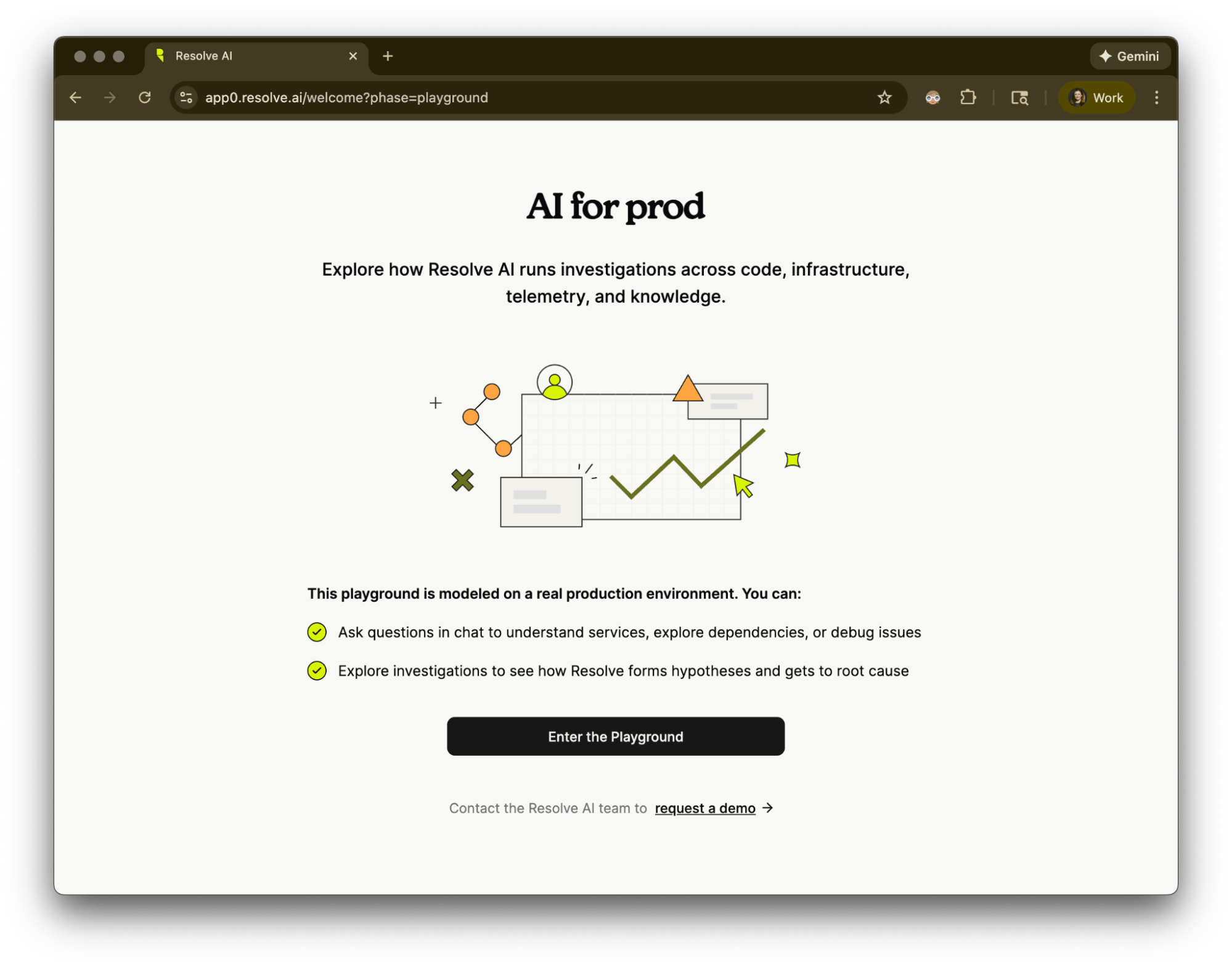
Enter the Playground to try chatting with Resolve about an example environment. Code, observability, and infrastructure integrations are already set up.
-
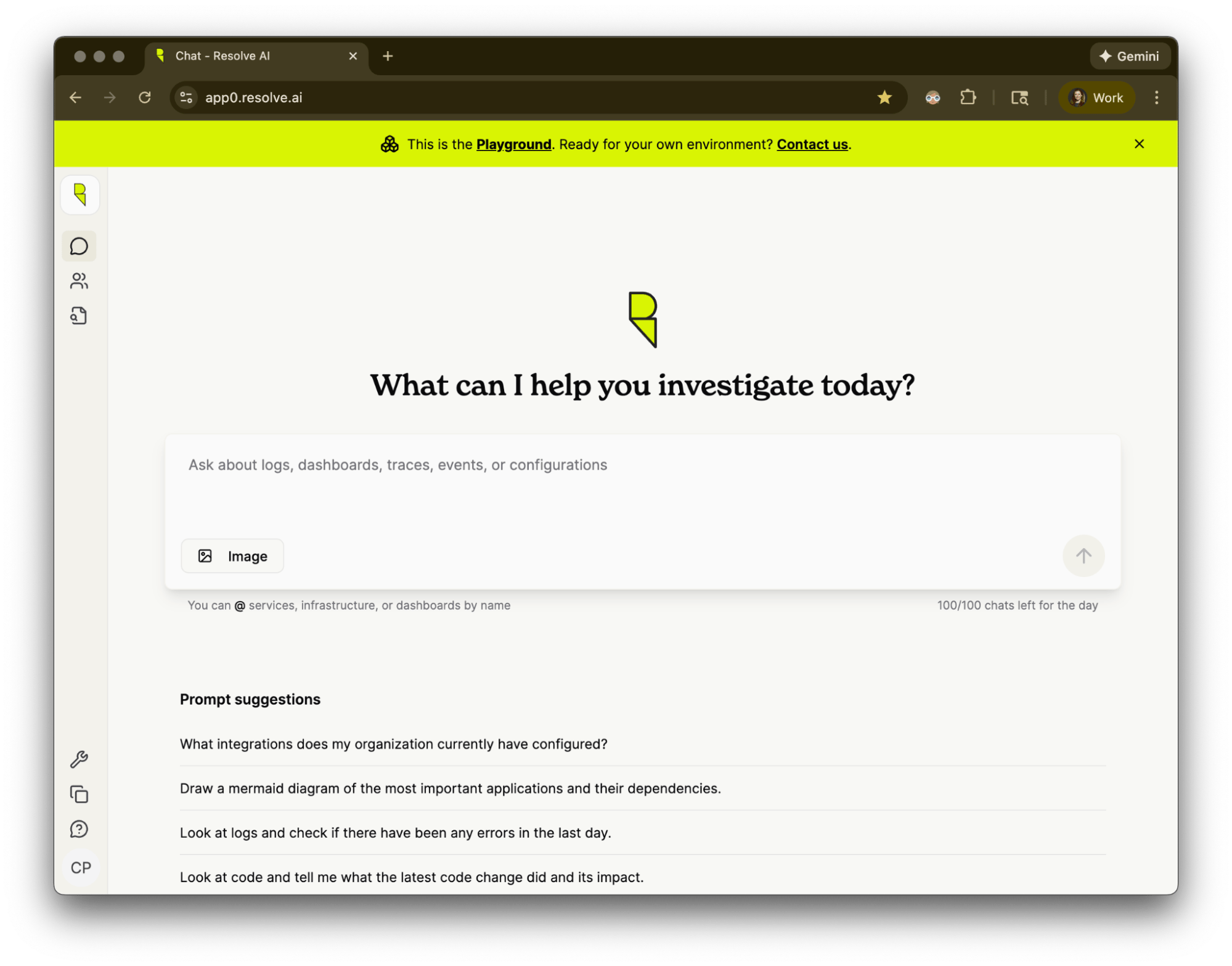
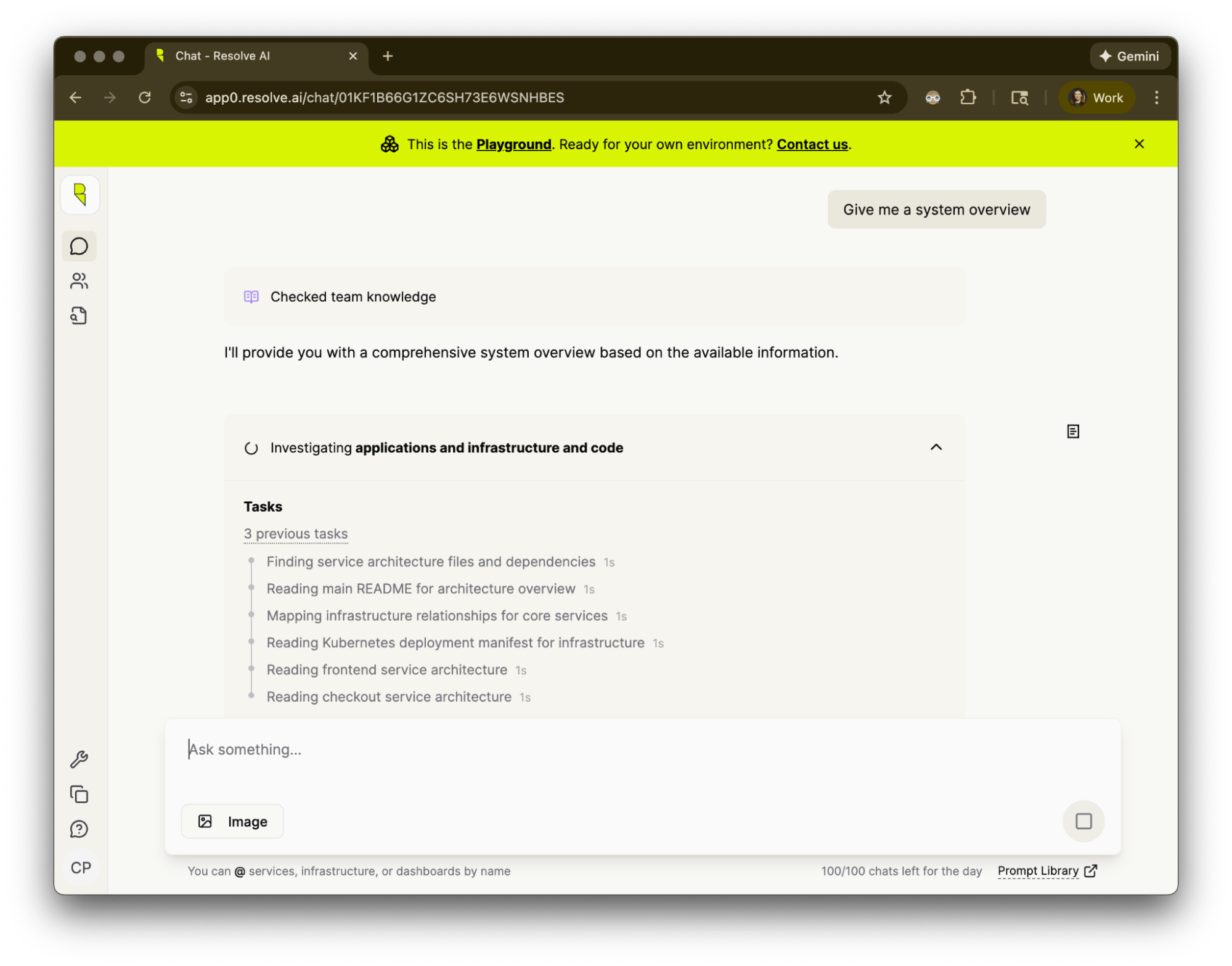
Ask a chat question like “Give me a system overview,” or click a prompt suggestion.
-
Resolve runs queries to pull in the latest data from integrations.
-
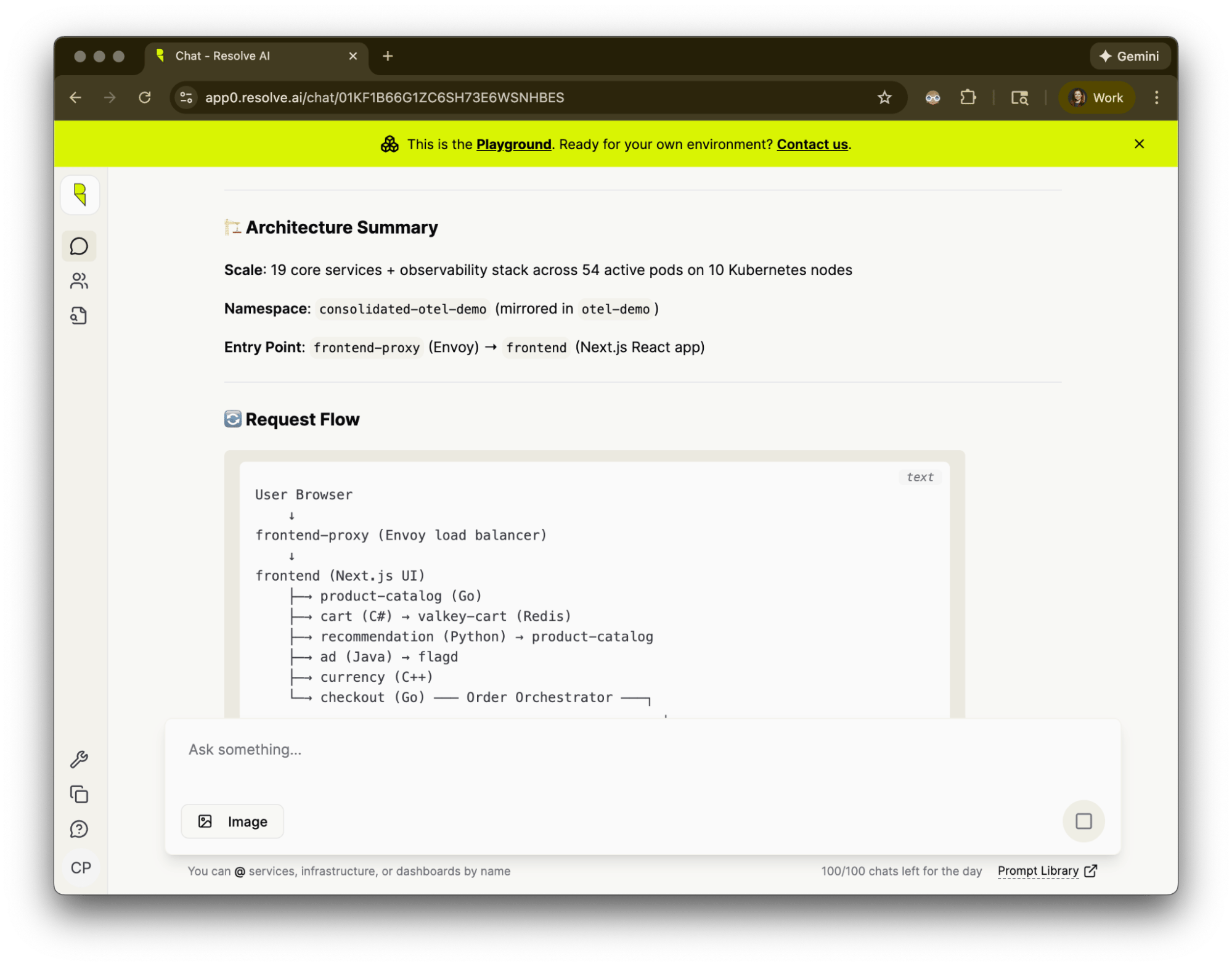
Resolve summarizes findings in chat, for example with a diagram of the request flow.
-
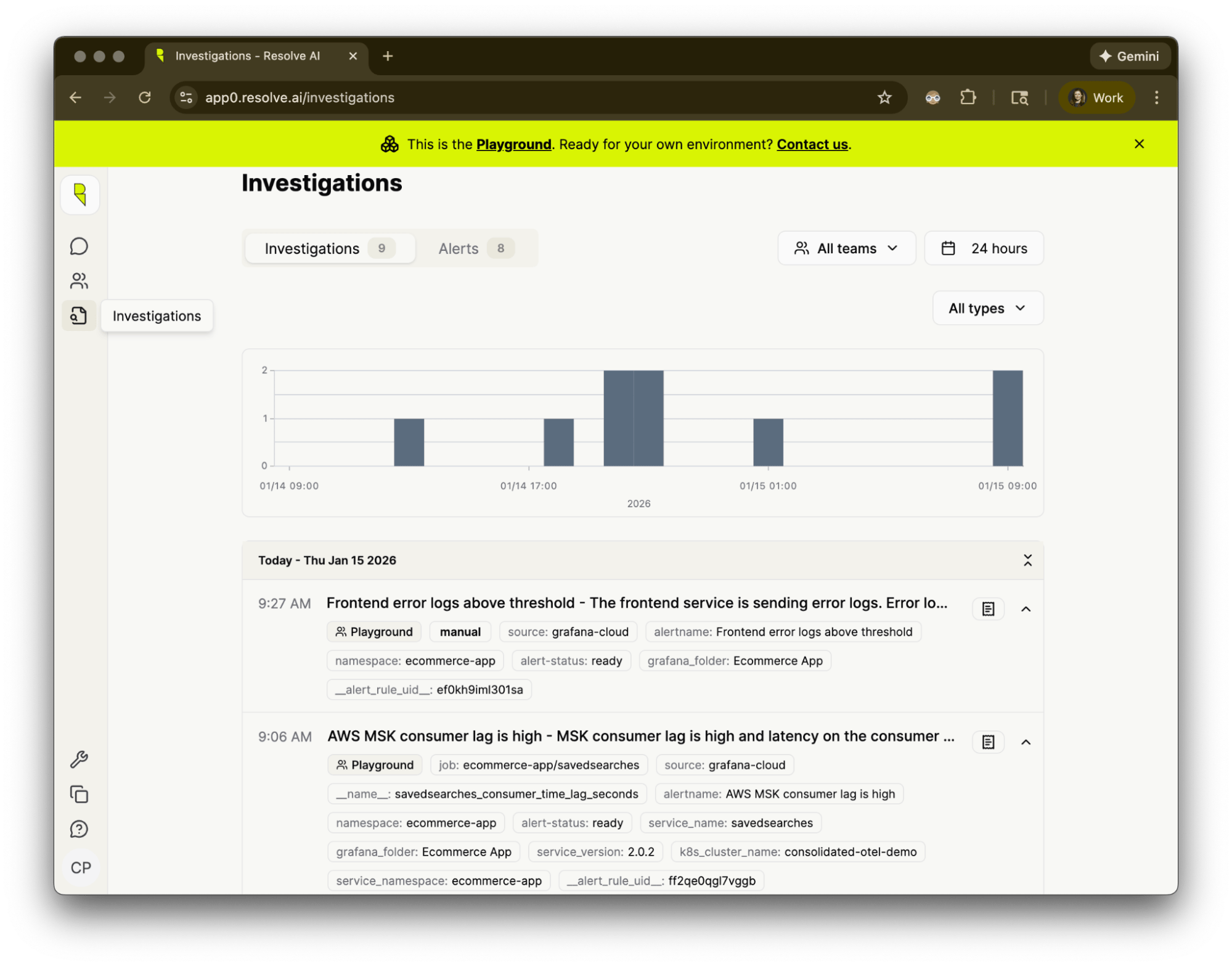
Open Investigations in the sidebar to see a list of recent investigations.
-
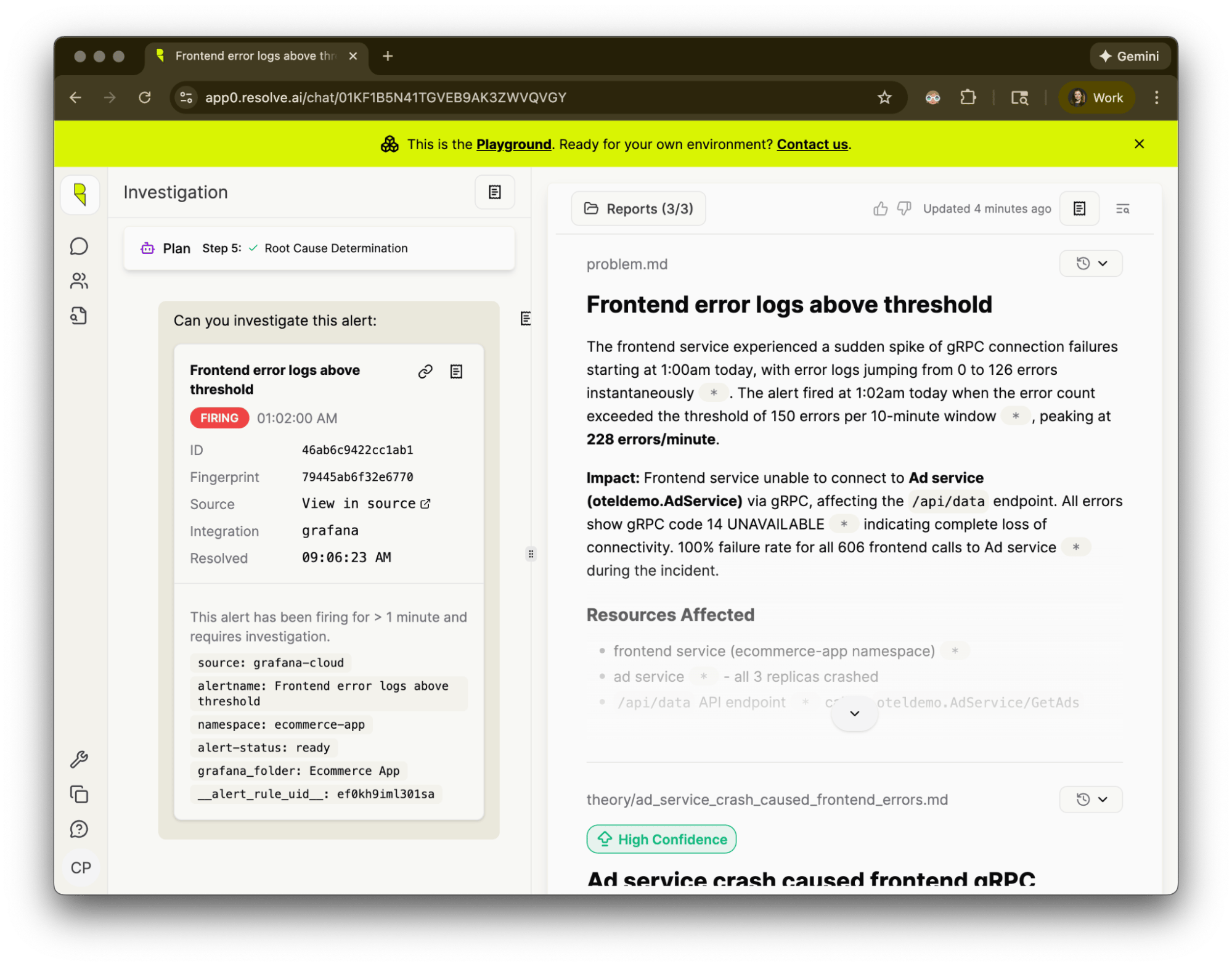
Click an investigation to see a root cause analysis.
On the left, chat with Resolve to guide the investigation interactively.
On the right, a report summarizes investigation findings.
-
Switch to my org to get started with Resolve on your own data.
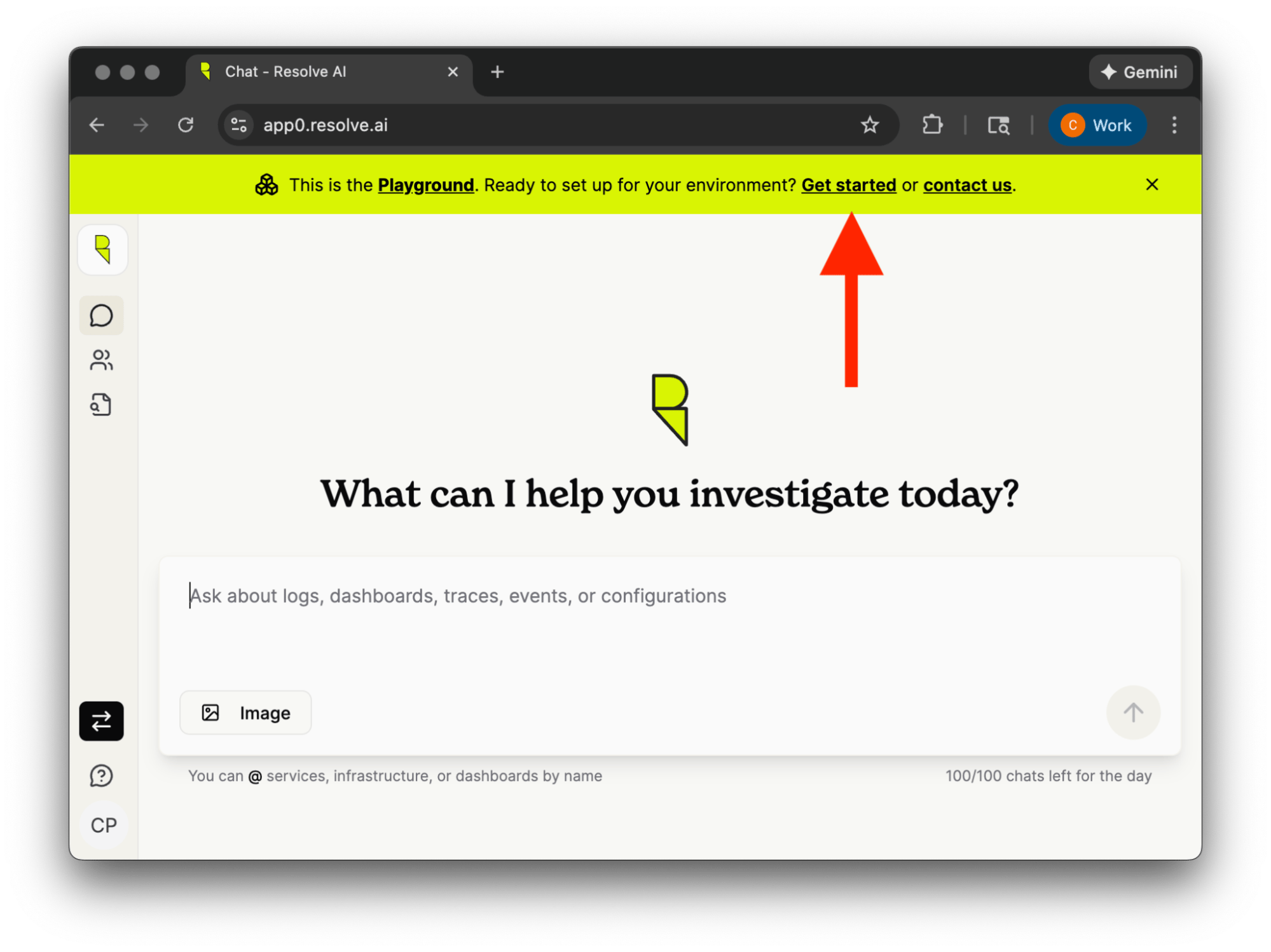
-
Set up your org. Click the link to set up your own integrations.
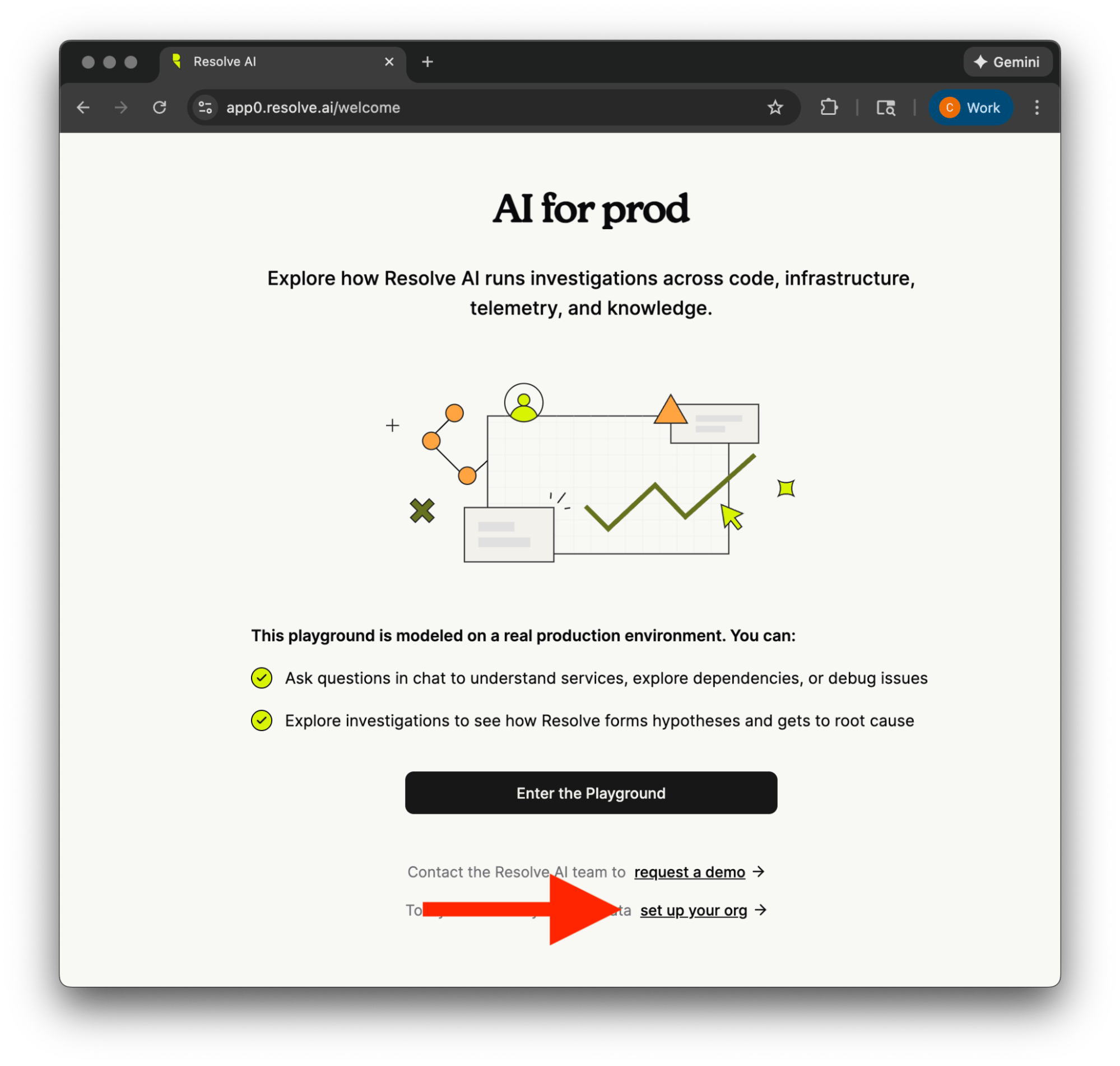
-
Connect Integrations to observability, code, and infrastructure. Enable Resolve to pull in the right data and investigate issues for your organization.
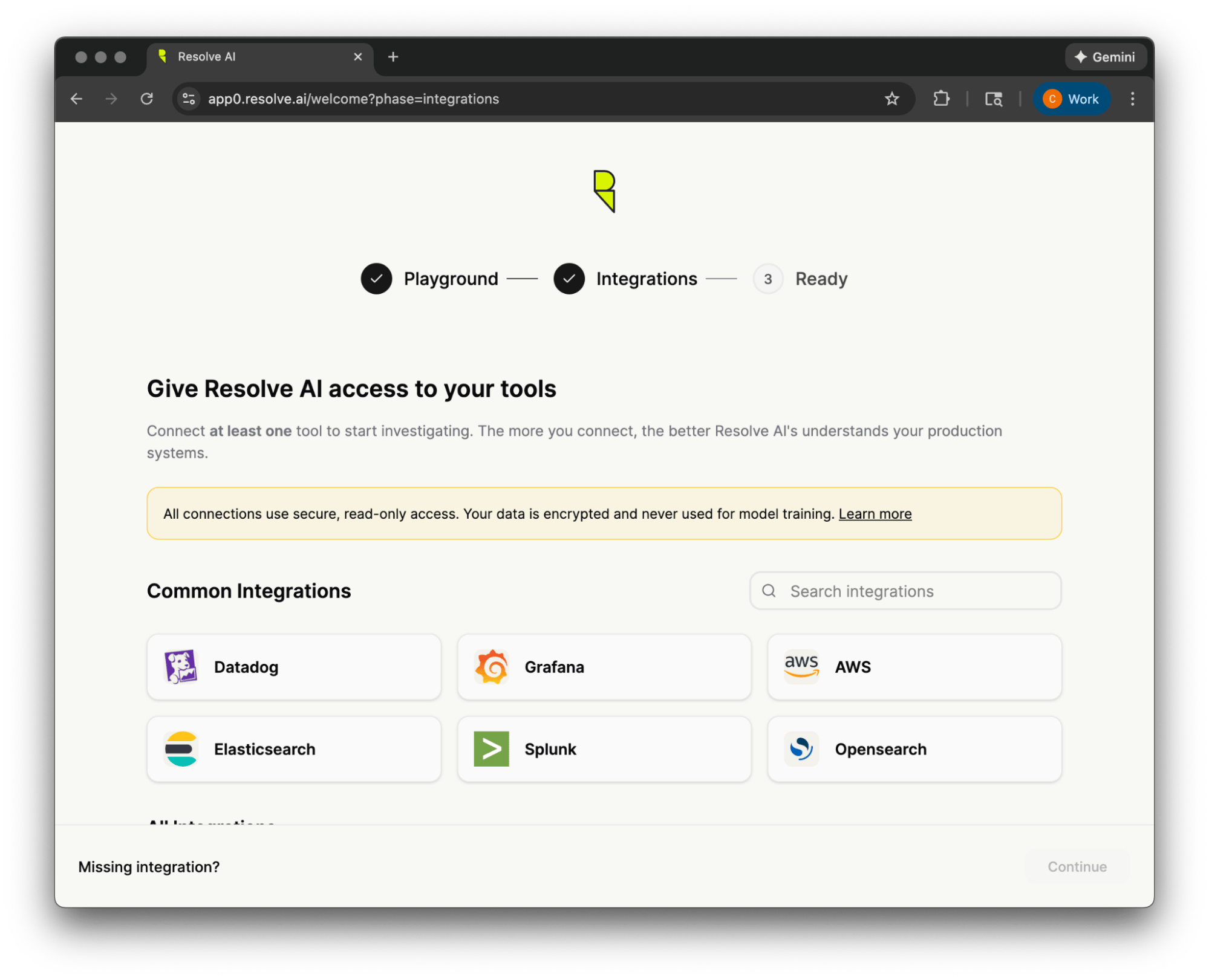
-
Try Chat to ask questions about your own systems. Unlock the power of ResolveAI with questions about recent issues, or have Resolve draw an architecture diagram from your code.
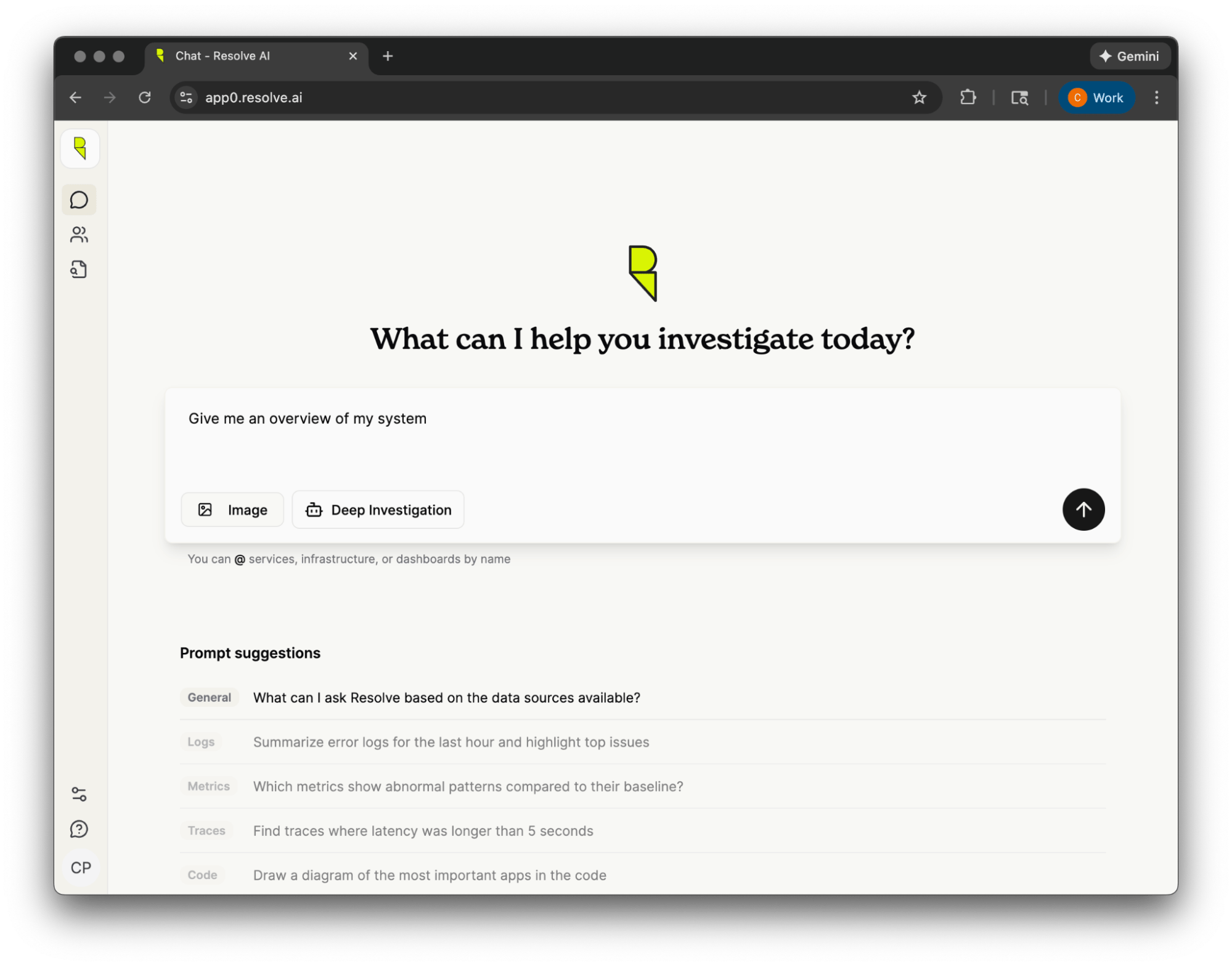
-
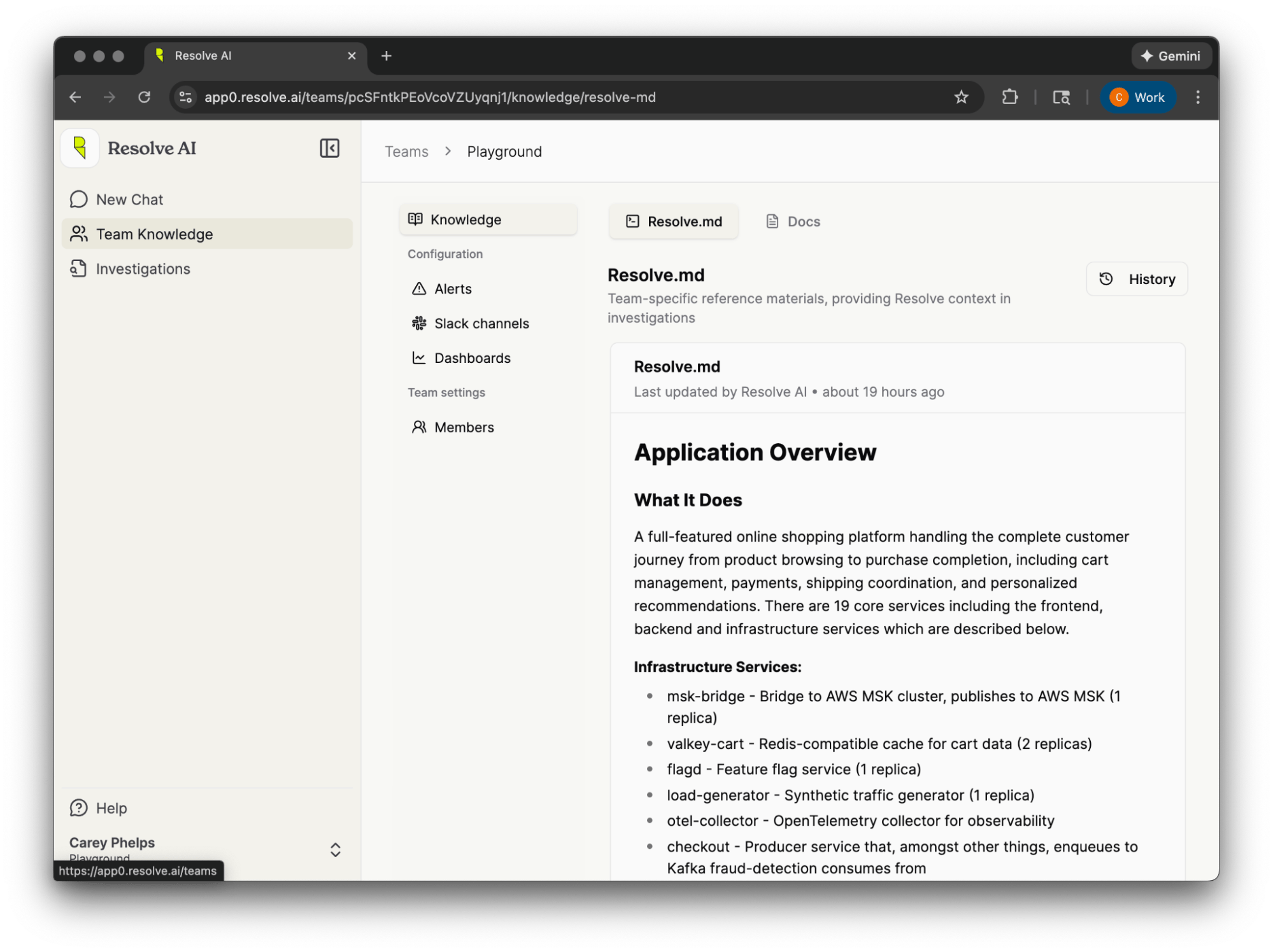
Add Team Knowledge to customize Resolve’s answers for your own organization. Add your runbooks, glossary of terminology, and best practices for querying logs, traces, and metrics. Teach Resolve which Dashboards are the most useful for different types of issues.