What It Does
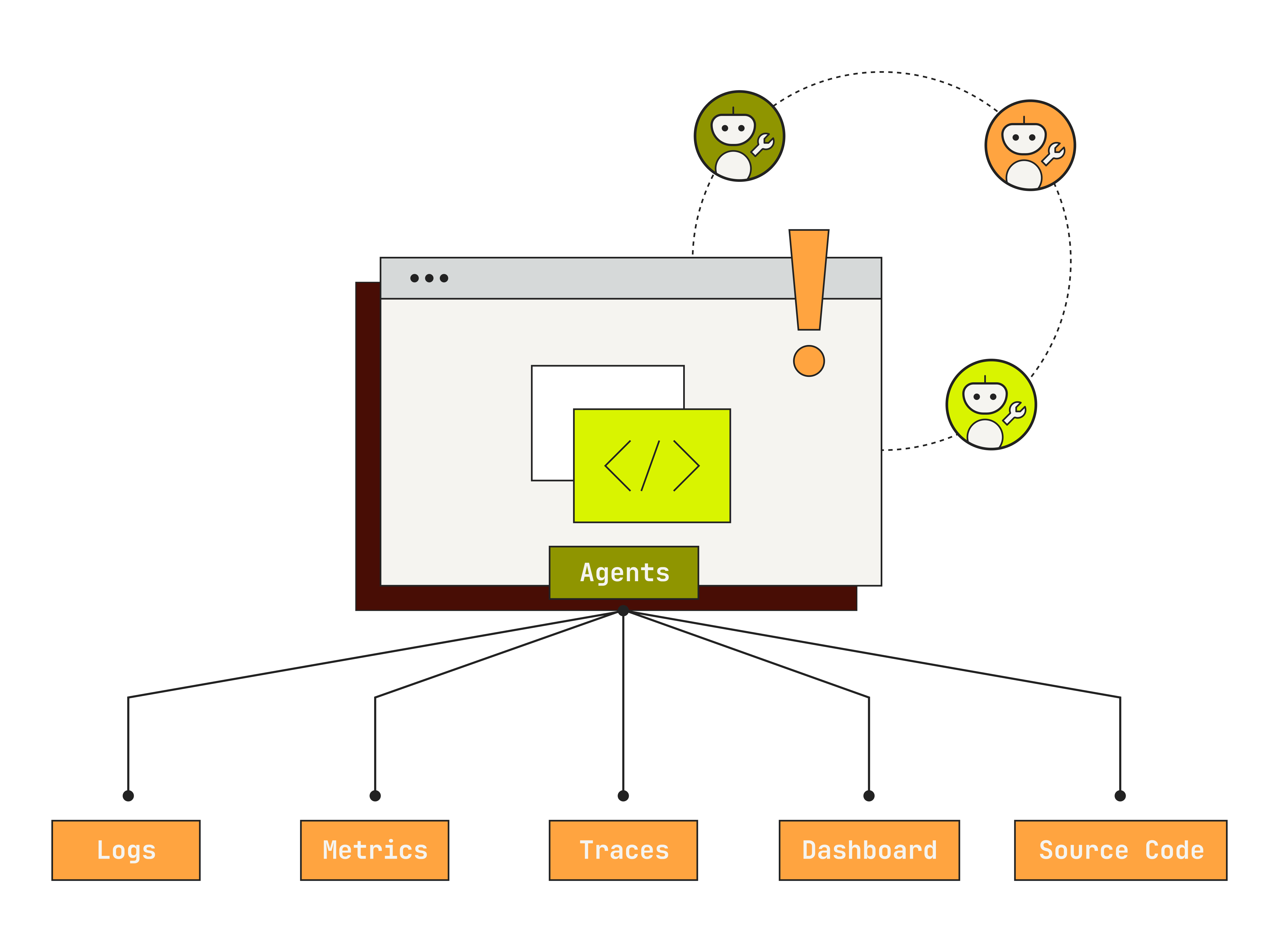
ResolveAI helps you:- Delegate on-call to agents: Automatically investigate alerts as they fire, gather evidence across your systems, and surface a root cause hypothesis before your on-call engineer even looks. Free your engineers from reactive toil and give them a head start on every alert.
- Co-work with agents to resolve incidents: Bring Resolve into your incident channels to drive collaborative remediation. Agents investigate in parallel across observability tools, code, and infrastructure, build causal timelines, and propose fixes so your team spends less time in war rooms.
- Automate your production workflows: Encode your team’s best practices as repeatable, automated workflows. Run health checks, generate reports, and execute multi-step investigations on demand.
How It Works
- Understands your production: Connects to your production systems, tools, and code in a few clicks. Builds an understanding of how everything works together and learns from your runbooks, wikis, chats, and guidance.
- Reasons like a seasoned engineer: Plans investigations that pursue multiple hypotheses in parallel, orchestrating specialized agents to collect evidence from across your systems. Builds causal timelines linking code changes, infrastructure events, and telemetry.
- Operates tools like an expert: Works with any tool without requiring expertise in query languages, PromQL, Kubectl, or code. Coordinates multi-tool investigations and takes actions like updating JIRA tickets, generating PRs, or writing docs.
- Builds a living model of your production: Continuously captures tribal knowledge from every interaction: chats, incidents, runbooks, and feedback. Adapts to your environment and custom instructions so every investigation gets smarter over time.