

When to Use It
Use Git on Cloud when:- You want the fastest setup path
- You cannot deploy a satellite in your environment
Prerequisites
- Repositories must be reachable from Resolve cloud
- For GitHub managed auth: GitHub access to install/authorize Resolve
- For GHE (BYO GitHub App) auth: a GitHub App you own on the target GitHub instance, App ID, installation ID, and private key (PEM). See App for GitHub → Bring Your Own GitHub App for app creation steps and required permissions.
- For token auth: provider username + token with required repo permissions
Setup
Option 1: GitHub Managed Auth (Recommended)
- Open Git Integrations
-
Create a Cloud Git connection
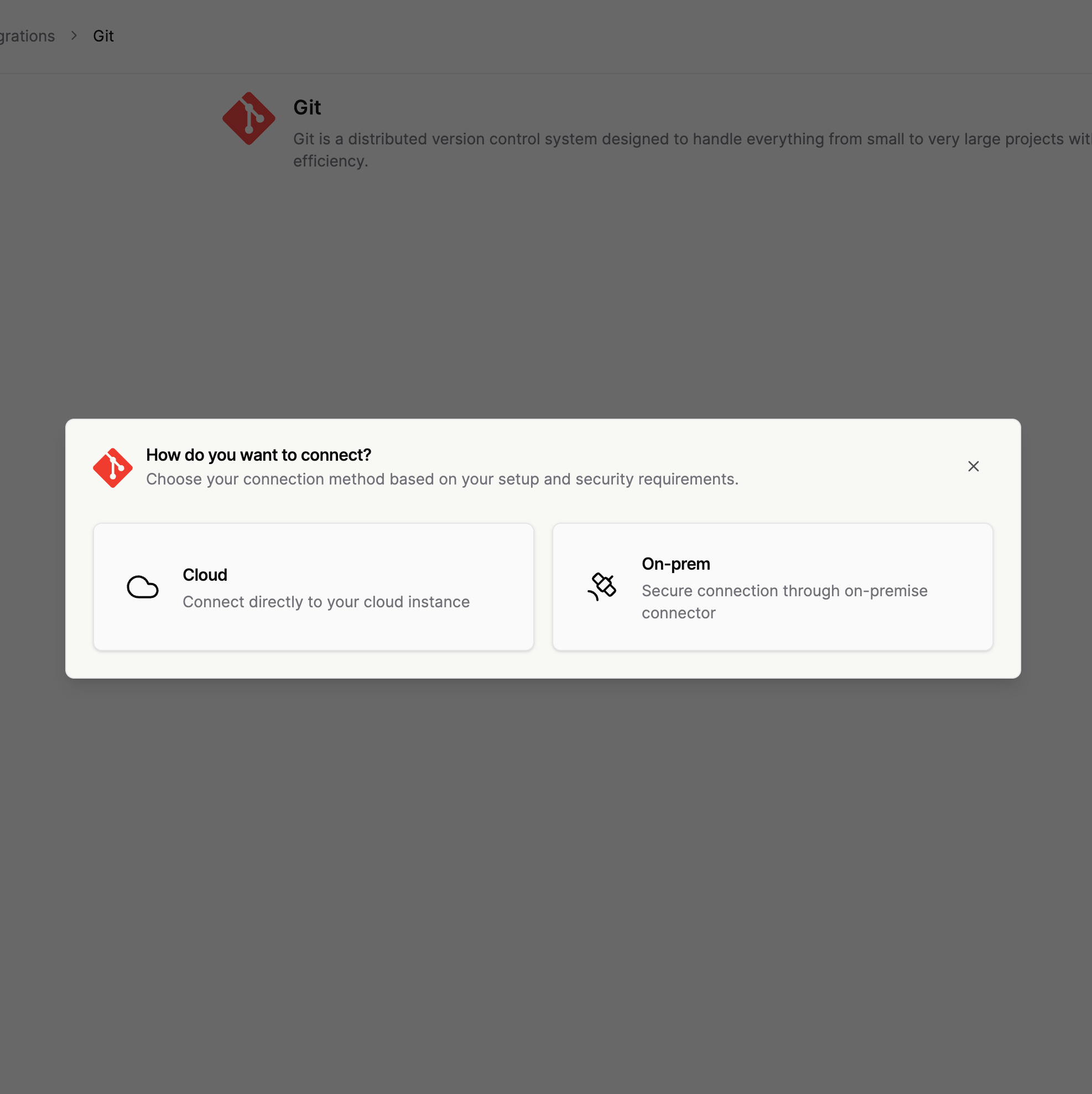
-
Select GitHub auth
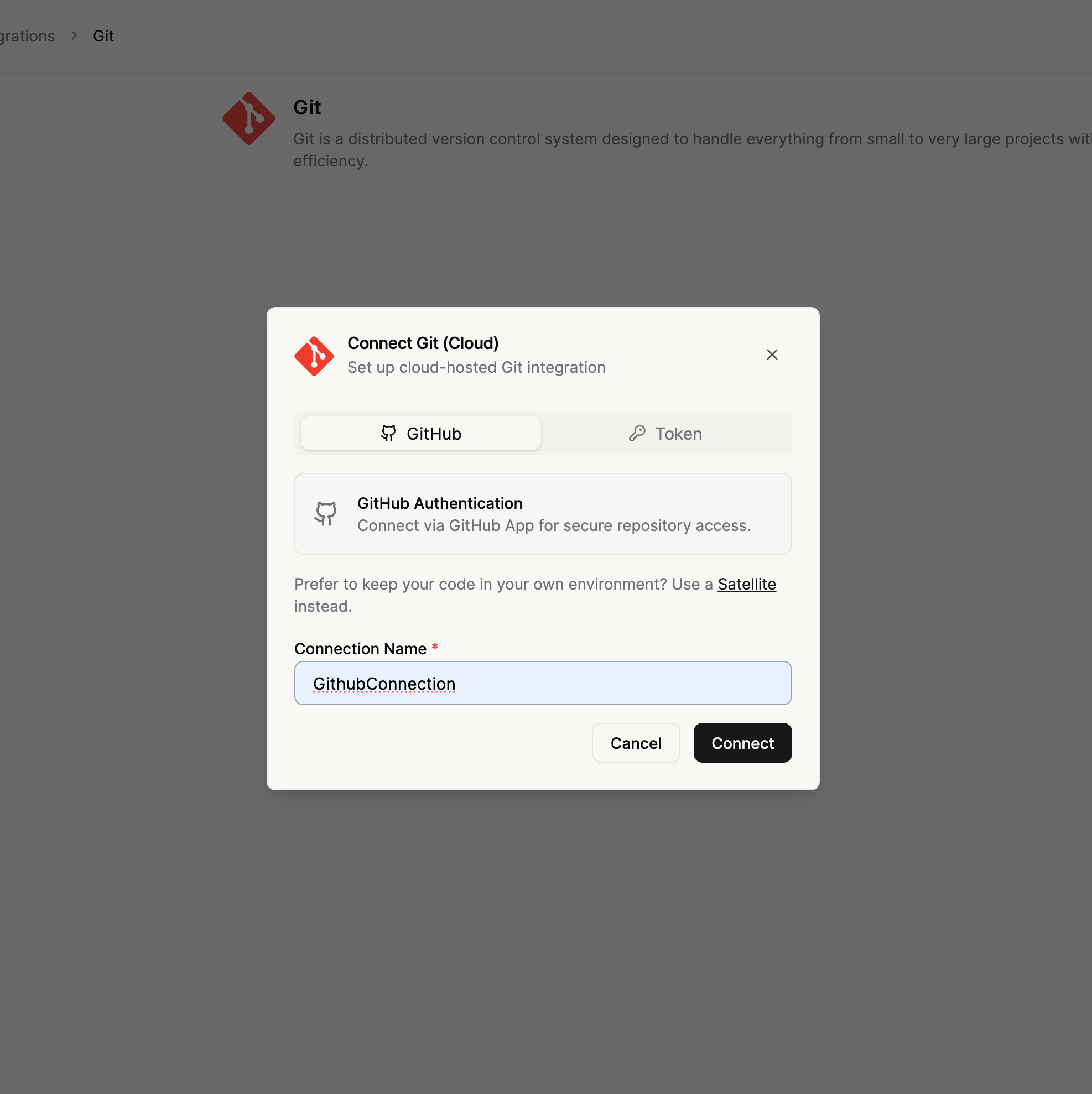
-
Complete the GitHub authorization/install flow
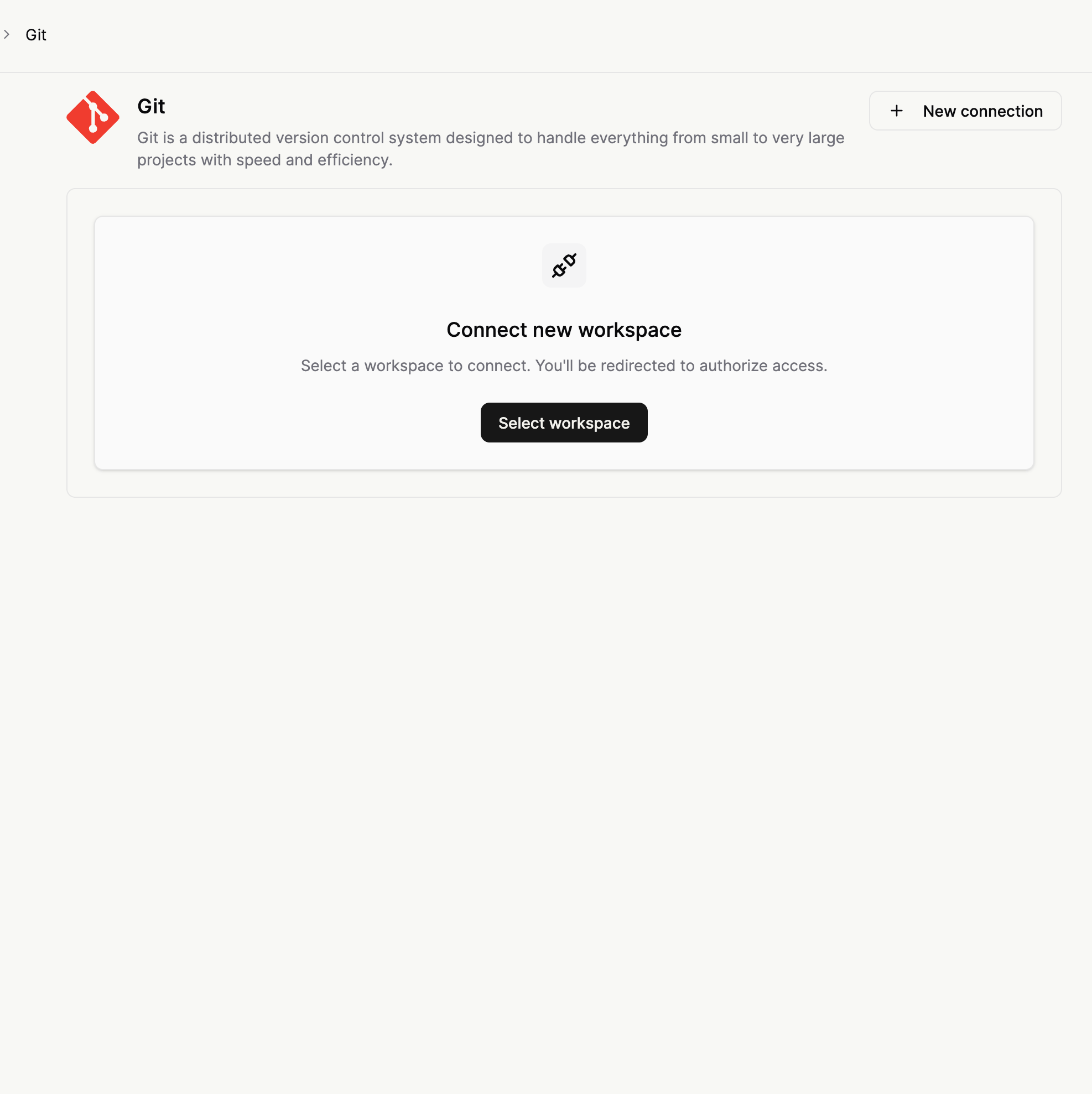
- Select repositories
- Verify health check and repository listing
Option 2: Bring Your Own GitHub App (GHE)
Use this option when you want to connect Resolve via a GitHub App that you own and operate. It works for any GitHub variant: github.com, GitHub Enterprise Cloud, or GitHub Enterprise Server (on-prem). The instance must be reachable from Resolve cloud.See App for GitHub → Bring Your Own GitHub App first. It walks through creating the GitHub App, the recommended permissions, generating a private key, and capturing App ID / Installation ID / API base URL. Come back here once you have those four values.
- Create the GitHub App on your GitHub instance and install it on the target organization. See App for GitHub → Bring Your Own GitHub App for the full walkthrough; it covers github.com, GHE Cloud, and GHE Server.
- Capture:
- API base URL (e.g.
https://api.github.comfor github.com, orhttps://ghe.your-company.com/api/v3for GHE Server) - App ID
- Installation ID (from the install URL, e.g.
.../settings/installations/<id>) - Private key (PEM)
- API base URL (e.g.
- Open Git Integrations and create a Cloud Git connection
- Select GHE auth and fill in the four fields above
- Save and verify health check and repository listing
Option 3: Token Auth
- Create a provider PAT with the required scopes. See Creating access tokens for step-by-step token setup for each provider (GitHub, GitLab, and others).
- Open Git Integrations
- Create a Cloud Git connection
- Select Token auth
-
Provide:
- connection name
- username
- token
- repository HTTPS URLs
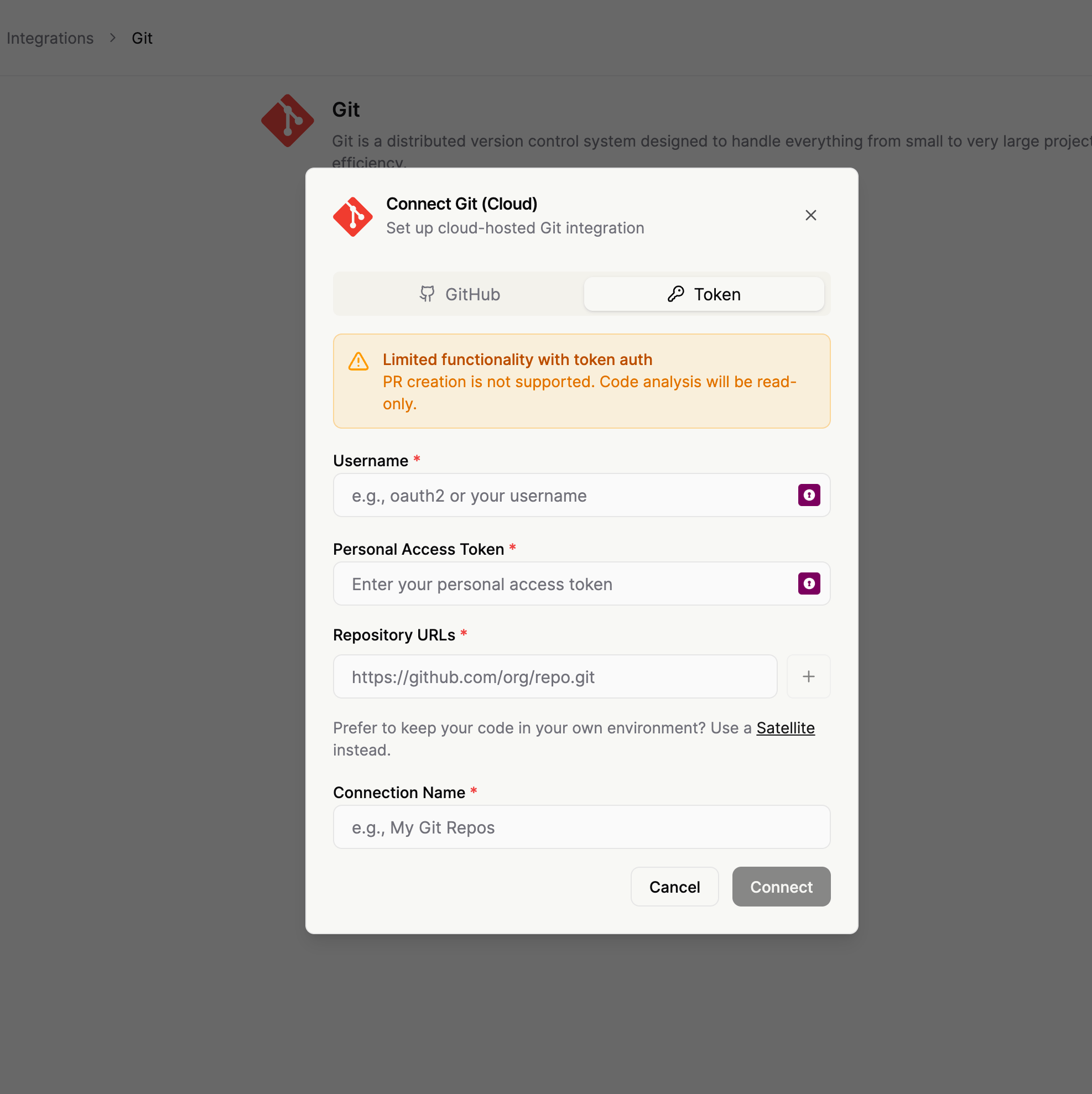
- Verify health check and repository listing
Connection Schemas
GitHub Auth Example
GHE (BYO GitHub App) Example
https://api.github.com as baseUrl) and GitHub Enterprise Cloud.
Token Auth Example
Optional Fields
-
disableWrites- Set to
trueto force read-only mode for this integration. - Blocks write/remediation tools.
- If omitted, default behavior is computed from auth type (
githuborgheauth -> writes enabled by default, token-only -> read-only by default).
- Set to
-
disabledSubcommands- Blocks specific
git <subcommand>operations even when other git tools are available. - Example:
["config", "remote"]prevents runninggit configandgit remote. - Useful as a hardening control to restrict subcommands you don’t want resolve to run in your repositories.
- Blocks specific
Writes, PRs, and Tool Access
- Read-only repository operations are always available (clone/fetch/search/read/history).
- Write/remediation behavior is controlled by
disableWrites. - If
disableWritesis omitted:- defaults to
falsewhen agithuborgheauth config exists - defaults to
truefor token-only config
- defaults to
- Reading PR data and querying GitHub Actions / PR check status works with any auth that targets GitHub repos and carries the right scopes:
githubandgheauth, provided the GitHub App has the recommended permissionstokenauth, when the repos are hosted on GitHub and the token grants the equivalent scopes (e.g. fine-grained PAT withActions: Read,Pull requests: Read,Checks: Read,Contents: Read,Metadata: Read)
- Dispatching, retrying, or cancelling GitHub Actions workflow runs (deployments, rollbacks) additionally requires
Actions: Read & write. The app requires the permission, but access is controlled by admins in the Resolve UI, per tool. The feature is in Preview.
FAQ
Is token auth strictly read-only?
Is token auth strictly read-only?
No. Token-based connections can use write/remediation tools when
disableWrites: false and tool support is available.Are SSH URLs supported?
Are SSH URLs supported?
No. Use HTTPS repository URLs.