Setup & Integrations
Observability
Splunk Observability
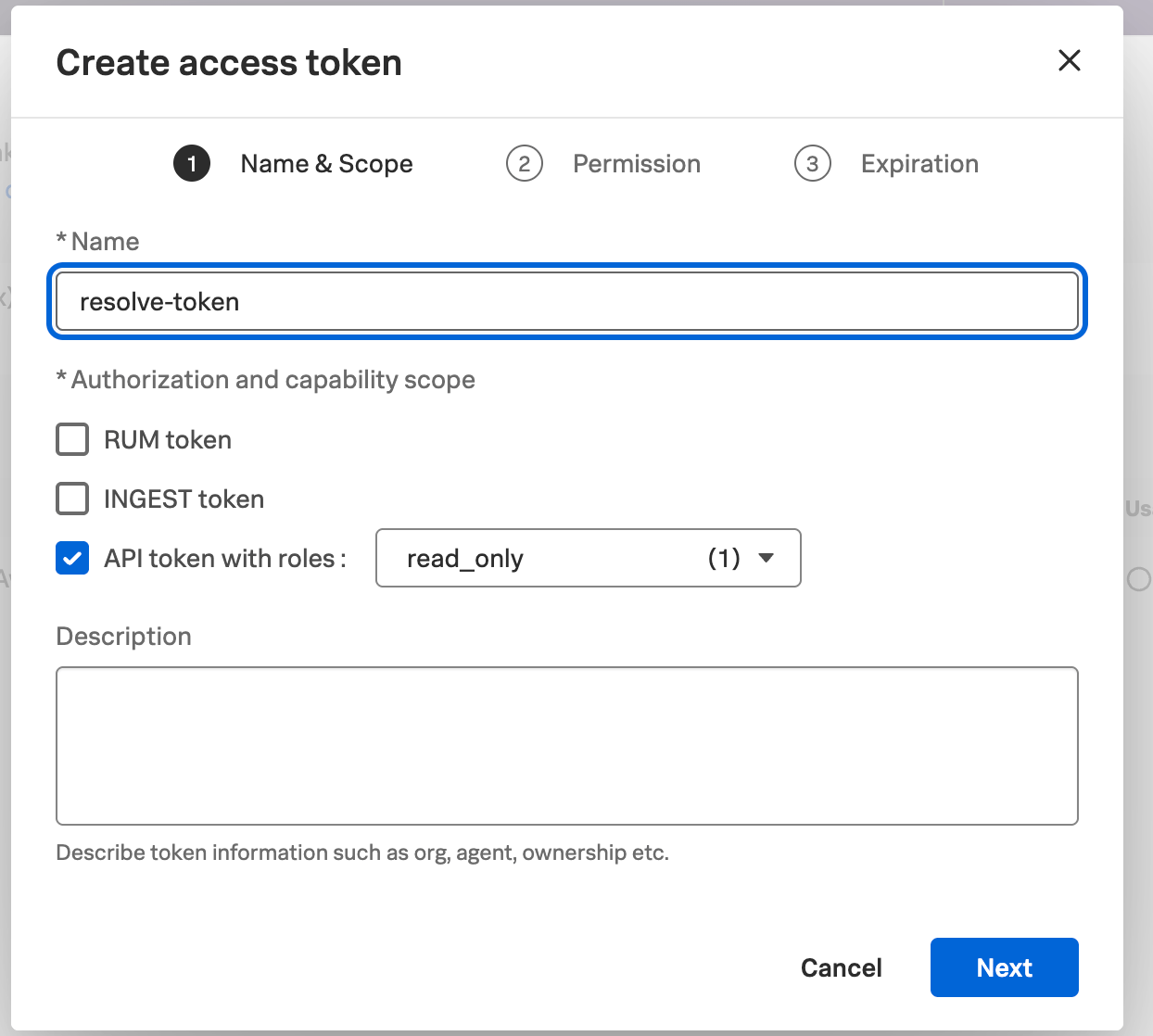
this guide explains how to connect resolve ai with splunk observability cloud resolve uses this connection to ingest metrics, logs, dashboards and traces for incident investigations 1\ create org access token in splunk observability cloud, create an https //help splunk com/en/splunk observability cloud/administer/authentication and security/authentication tokens/org access tokens log in to splunk observability cloud click settings in the left navigation select access tokens under the organization settings section click create token under the name and scope tab set the name to resolve token or another appropriate name select api token with roles with read only as the token scope click next under the permissions tab set the appropriate access token permission, only admins can read is the default click next under the expiration tab set the appropriate end date (1 year is recommended) click create click copy to copy the token value and save it securely new relic integration setup in resolve 2\ connect splunk observability set up the integration either in the resolve ui or in the satellite configuration connect via resolve ui open https //app0 resolve ai/integrations/splunkobservability/connect in resolve click add connection enter a name (ex splunk observability main ) leave environments blank to ingest data from all environments, or list specific ones that match your satellite config paste your org access token from step 1 enter your realm (ex us0 , us1 , eu0 , etc ) your realm is visible in your splunk observability url app \<realm> signalfx com (optional) enable https //docs resolve ai/sensitive data redaction turn on the toggle service map enabled click save connect via satellite save the splunk observability org access token in a kubernetes secret, then update the resolve satellite to use this secret 1 create kubernetes secret create a kubernetes secret using this structure secret creation apiversion v1 kind secret type opaque metadata name splunk observability resolve token stringdata token "\<your org access token>" security best practice never store credentials in plaintext in configuration files or source control always use kubernetes secrets and encrypt etcd or use enterprise secret management systems see docid\ gheayt0jtts8kfbhdani7 for detailed guidance apply the secret apply secret kubectl apply f splunk observability resolve token yml 2 update values file add the splunk observability integration to resolve values yaml resolve values yaml integrations splunkobservability type "splunkobservability" create true secretname "splunk observability resolve token" connection realm "us0" # replace with your realm (us0, us1, eu0, etc ) (optional) add https //docs resolve ai/sensitive data redaction with redactionconfig resolve values yaml integrations splunkobservability type "splunkobservability" create true secretname "splunk observability resolve token" connection realm "us0" # replace with your realm redactionconfig enabled true 3 apply changes update the satellite with the new resolve values yaml file helm upgrade install resolve satellite \\ oci //registry 1 docker io/resolveaihq/satellite chart \\ \ values resolve values yaml 4 verify integration open https //app0 resolve ai/integrations/splunkobservability/connect and check the connection